Linear Equation Solver (TI-84 Plus CE)
Linear Equation Solver (TI-84 Plus CE)
⚠️ Before You Buy:
• Digital product — No refunds
• Requires TI-84 Plus CE or TI-84 Plus CE Python
• NOT compatible with older TI-84 Plus (black & white screen)
• By purchasing, you confirm you understand this is a digital download and cannot be returned
Couldn't load pickup availability
Linear Equation Solver (TI-84 Plus CE)
📏 All Three Linear Forms — Convert, Analyze, and Solve Instantly

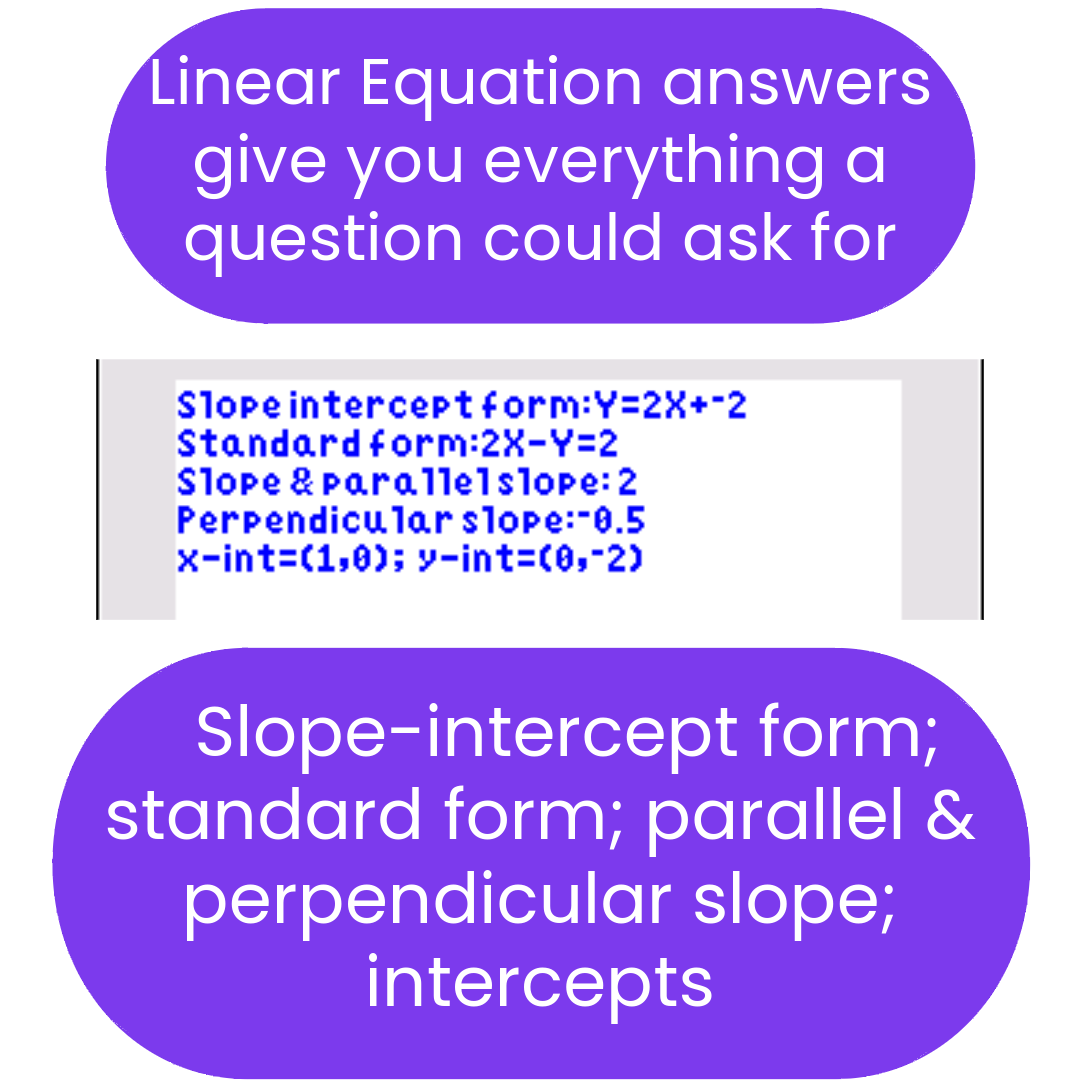
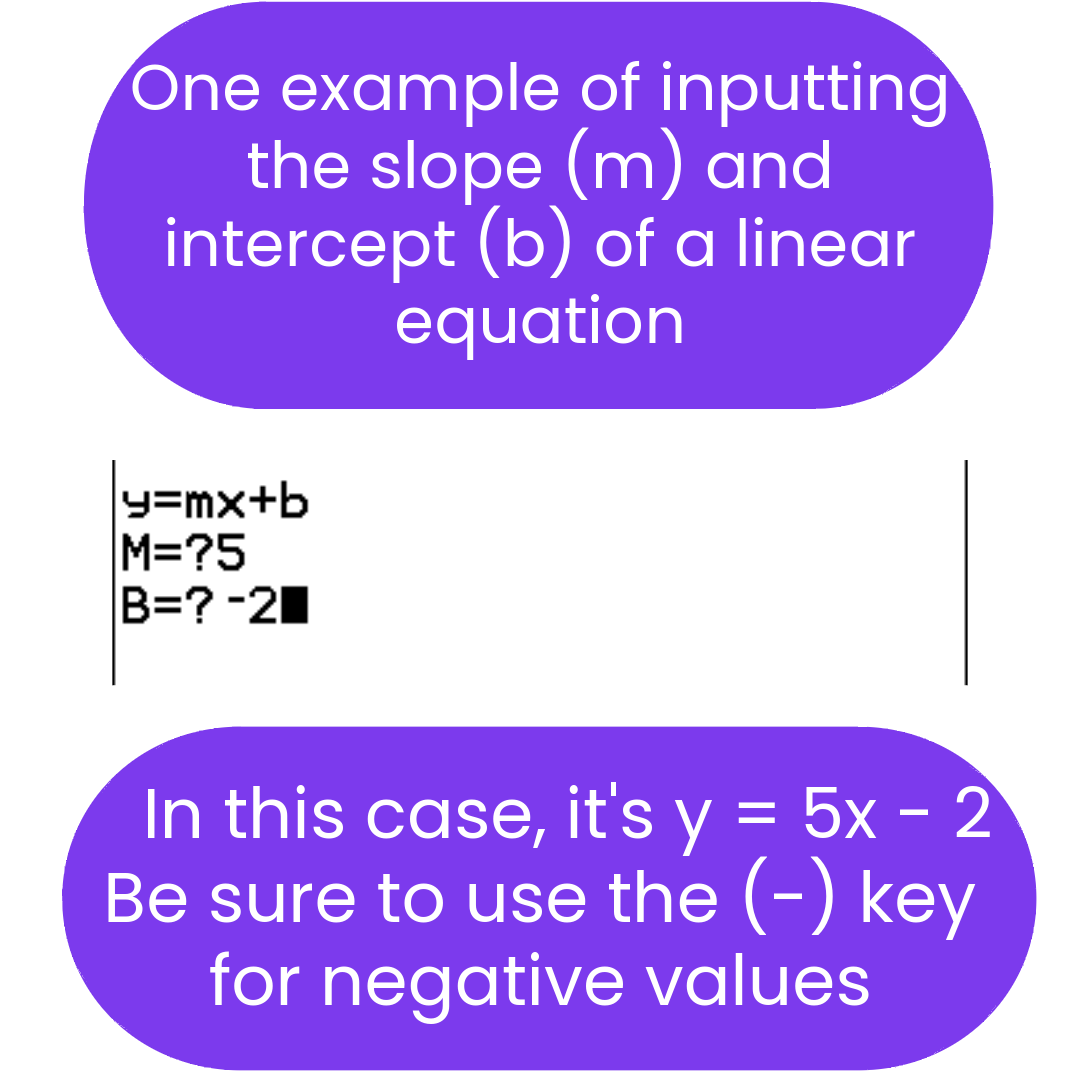
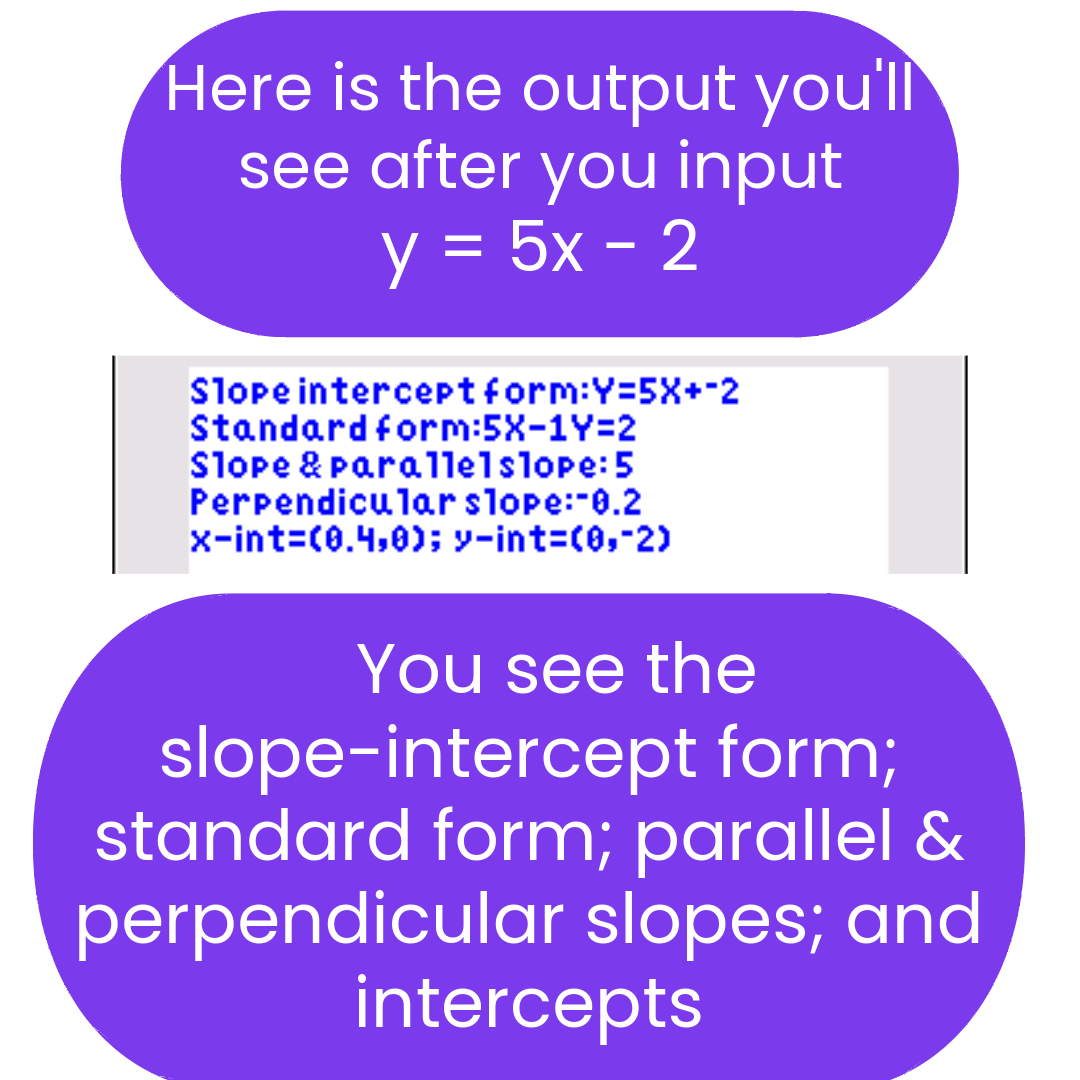
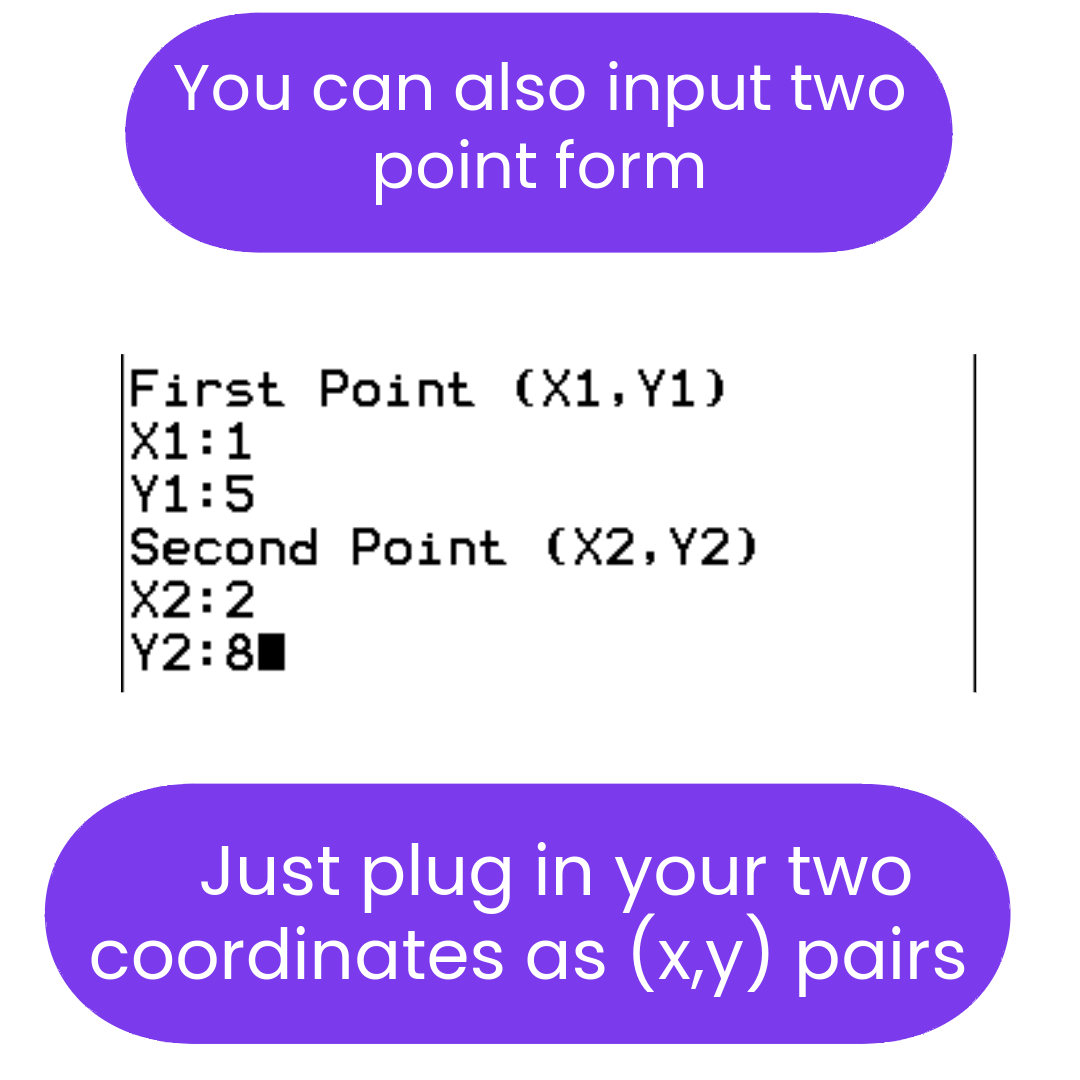
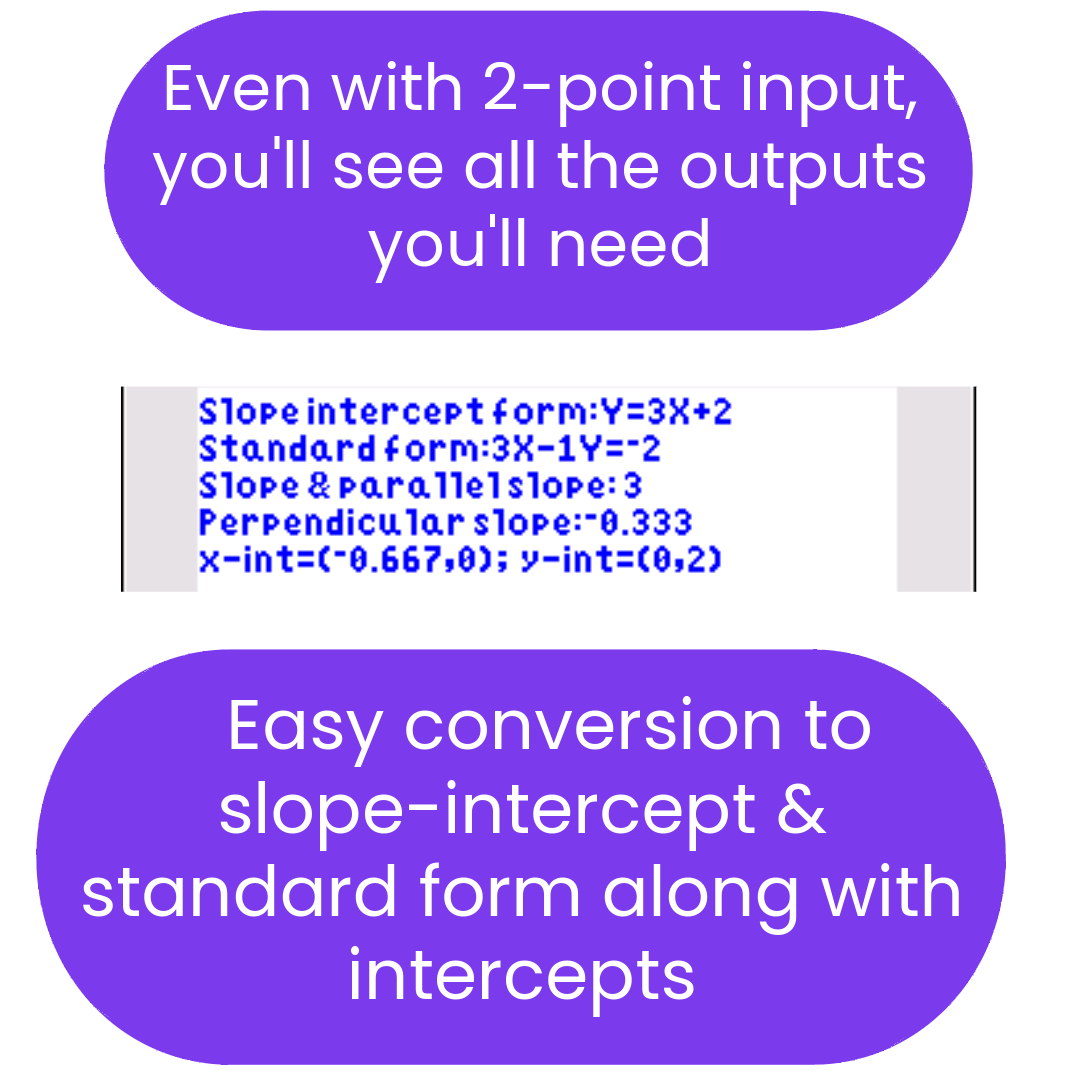
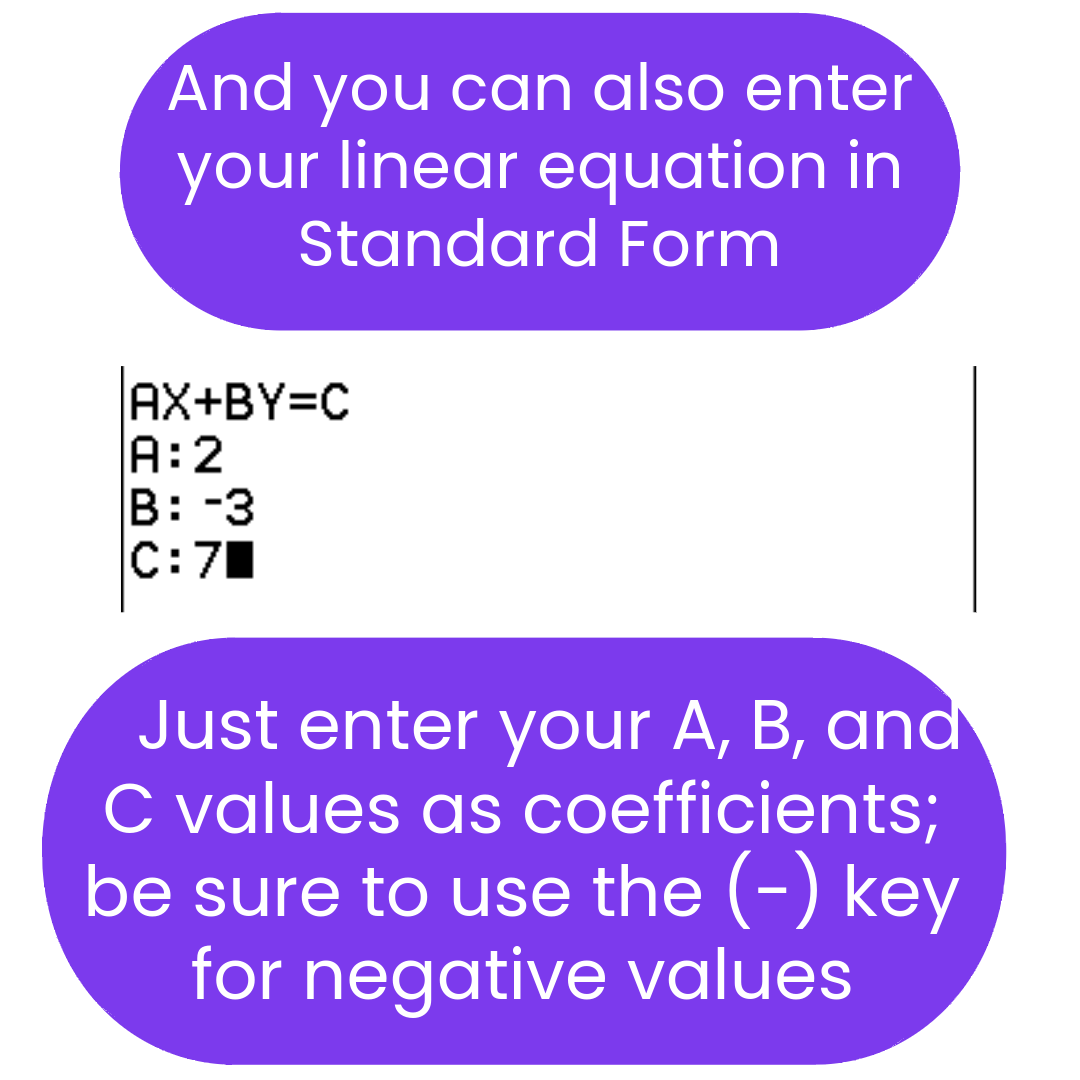
Make linear equations easier to work with. LINEAR3 is a fully rewritten linear equation solver for TI-84 Plus CE. Enter a line in any form — slope-intercept, point-slope, standard, or two points — and it outputs slope, both intercepts, parallel and perpendicular slopes, and all three standard forms. Useful for Algebra 1, Algebra 2, and SAT/ACT-style review.
What's Included
| File Name | Type | What It Does |
|---|---|---|
| LINEAR3 | Solver Program | Fully rewritten linear equation solver. Accepts input in slope-intercept form, point-slope form, standard form, or two points. Outputs slope, x-intercept, y-intercept, parallel slope, perpendicular slope, and all three equation forms (slope-intercept, point-slope, standard). |
What LINEAR3 does:
- ✅ Input slope-intercept, point-slope, standard form, or two points
- ✅ Output all three linear forms from any input
- ✅ Find slope, x-intercept, and y-intercept
- ✅ Find parallel slope and perpendicular slope
Best for: Middle school math, Algebra 1, Algebra 2, and students who want faster linear equation conversions and line analysis on a TI-84 Plus CE.
Compatible Calculators
✅ TI-84 Plus CE
✅ TI-84 Plus CE Python
✖ Not for TI-83, TI-Nspire, or Casio calculators.
Delivery
Instant digital download. You receive the .8xp file after purchase.
Need broader algebra coverage?
The Algebra Solver Bundle includes LINEAR3 along with systems of equations, quadratics, geometry, statistics, and more — a complete algebra toolkit in one package.
View Algebra Solver Bundle →Need help getting started? Complete Install Guide (2026) | Troubleshooting | FAQs
AP® is a registered trademark of the College Board, which was not involved in the production of, and does not endorse, this product.
What do I need to install the program?
What do I need to install the program?
- TI84 Plus CE (or Python) Calculator
- TI Connect CE Software
- Update Your TI calculator software
- USB mini to USB cord (Should have came with your calculator, or you can buy one from Staples or Best Buy)
How do I install the program on my calculator?
How do I install the program on my calculator?
Can you help me with the TI connect software?
Can you help me with the TI connect software?
Yes! Take a look at this guide for the TI Connect CE Software for more help.