Free TI-84 Plus CE Starter Program
Free TI-84 Plus CE Starter Program
⚠️ Before You Buy:
• Digital product — No refunds
• Requires TI-84 Plus CE or TI-84 Plus CE Python
• NOT compatible with older TI-84 Plus (black & white screen)
• By purchasing, you confirm you understand this is a digital download and cannot be returned
Couldn't load pickup availability
Free TI-84 Plus CE Starter Program
🎁 Quadratic Solver, Linear Equations, Radical Simplifier & Fraction Converter — Free
TFVNS30333BF
Instant download after checkout.
A free multi-tool program for Algebra 1, Algebra 2, and Geometry. FREE6 handles four of the most common time-wasting calculations in math class — quadratics, linear equations, radical simplification, and decimal-to-fraction conversion. Compatible with TI-84 Plus CE and TI-84 Plus CE Python. Installs in under 2 minutes.
📘 Free PDF User Guide Available
Want to see exactly how the free starter program works before downloading it? The free PDF user guide includes screenshots, example inputs, and step-by-step explanations for the Quadratic Solver, Radical Simplifier, Decimal-to-Fraction Converter, and Algebra Solver.
Read / Download the Free PDF Guide →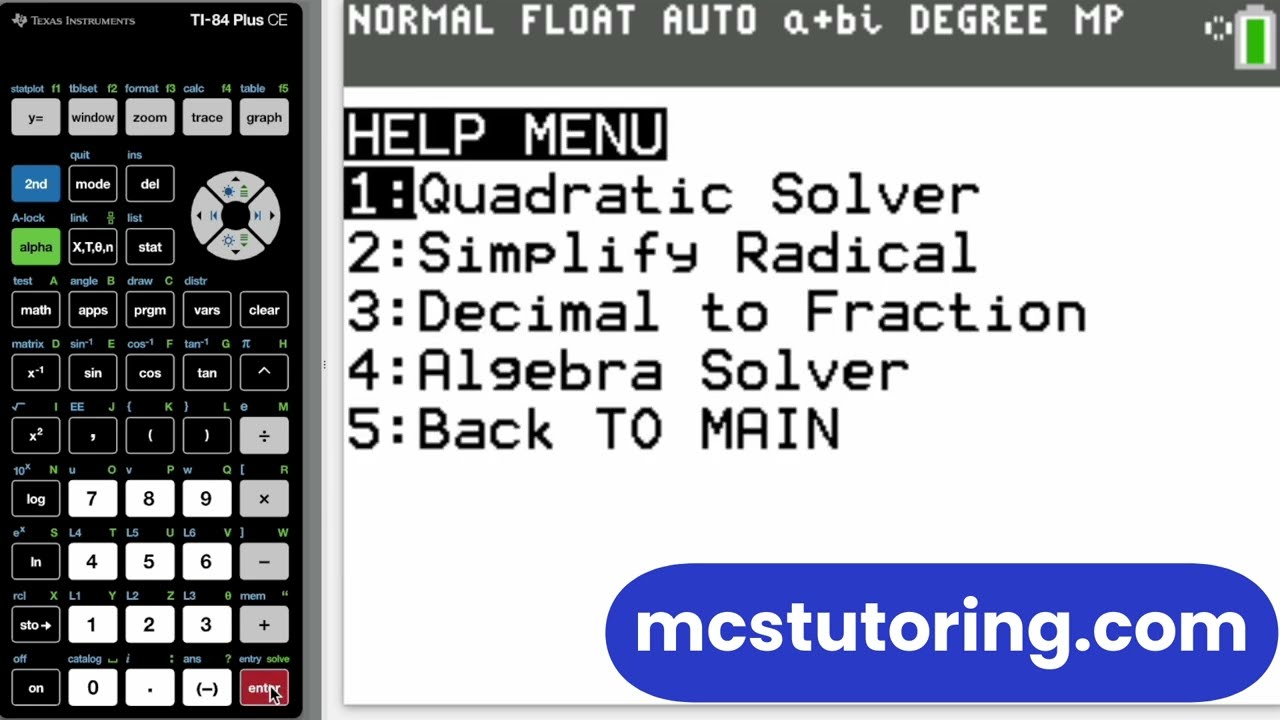
What's Included
| File Name | Type | What It Does |
|---|---|---|
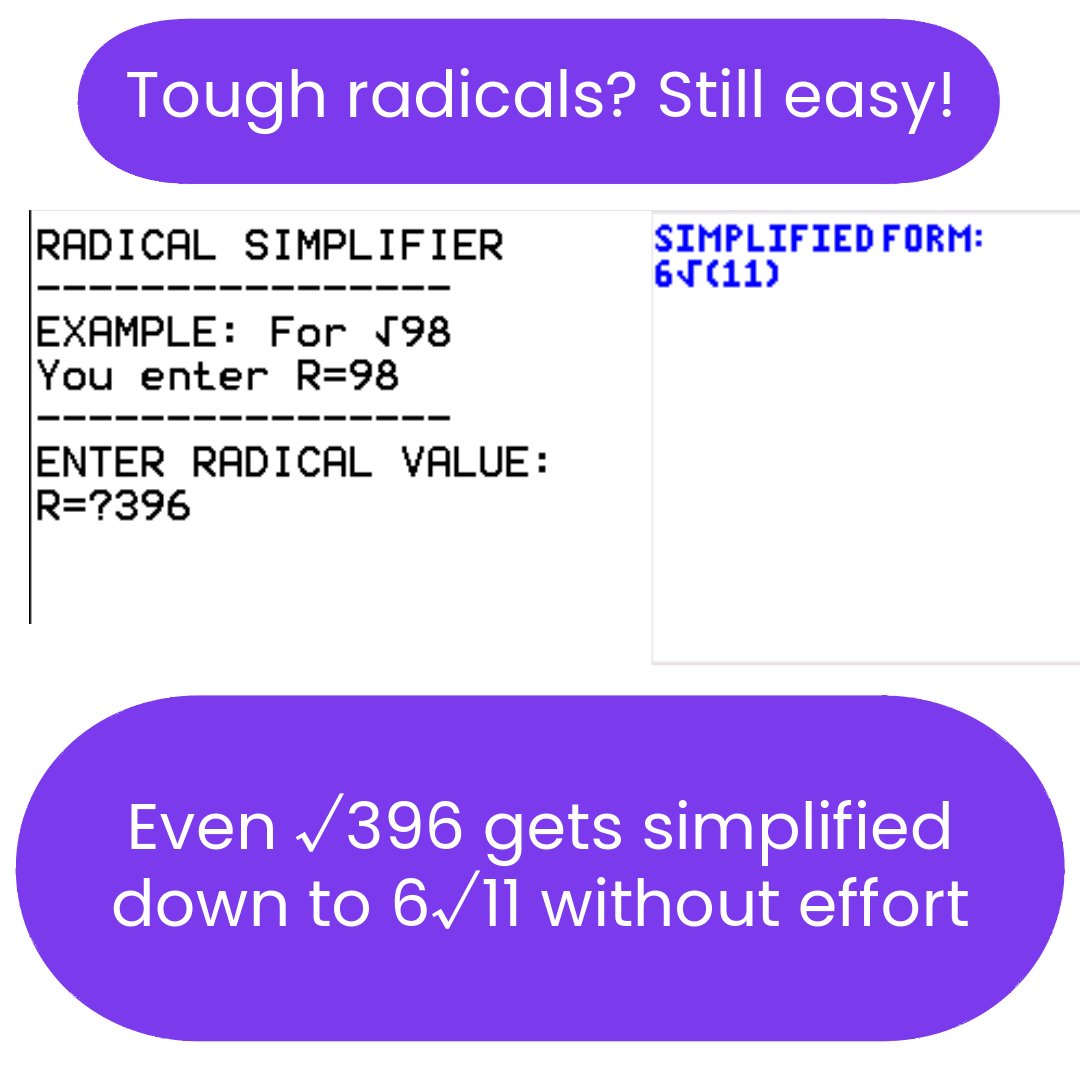
| FREE6 | Solver Program | Four-tool utility for Algebra 1, Algebra 2, and Geometry: quadratic solver (ax² + bx + c = 0, real and complex solutions), first-degree linear equation solver (variables on both sides), radical simplifier (reduces square roots to simplest form, e.g. √72 → 6√2), and decimal-to-fraction converter. |
What FREE6 does:
- ✅ Quadratic Solver — real and complex solutions for ax² + bx + c = 0
- ✅ Linear Equation Solver — first-degree equations with variables on both sides
- ✅ Radical Simplifier — reduces square roots to simplest radical form
- ✅ Decimal-to-Fraction Converter
How to Get It Free
- Copy your code:
TFVNS30333BF - Add the bundle to your cart and apply the code at checkout to bring the price to $0.00.
- Download the
FREE6.8xpfile from your order confirmation email. - Connect your calculator and follow the Complete Install Guide (2026) to transfer the file using TI Connect CE.
- Press [PRGM] on your calculator to launch FREE6.
New to TI-84 calculator programs?
The PDF user guide shows the program menus, example entries, and sample results so you can follow along more easily after installing the program.
Open the Free Starter Program User Guide →📚 Preparing for AP Exams?
FREE6 is just the starting point. The AP Bundles for Calculus, Physics, and Chemistry are built for exam season — solvers, references, and HELP sections for every major AP topic.
Shop AP Programs →Need help? Install Guide (2026) | Troubleshooting | FAQs
Note: This program is a study tool designed to improve calculation speed and accuracy. Use of calculator programs must comply with your specific school or testing center's policies.
What do I need to install the program?
What do I need to install the program?
- TI84 Plus CE (or Python) Calculator
- TI Connect CE Software
- Update Your TI calculator software
- USB mini to USB cord (Should have came with your calculator, or you can buy one from Staples or Best Buy)
How do I install the program on my calculator?
How do I install the program on my calculator?
Can you help me with the TI connect software?
Can you help me with the TI connect software?
Yes! Take a look at this guide for the TI Connect CE Software for more help.