Financial Math Formula (TI-84 Plus CE)
Financial Math Formula (TI-84 Plus CE)
⚠️ Before You Buy:
• Digital product — No refunds
• Requires TI-84 Plus CE or TI-84 Plus CE Python
• NOT compatible with older TI-84 Plus (black & white screen)
• By purchasing, you confirm you understand this is a digital download and cannot be returned
Couldn't load pickup availability
Financial Math Formula (TI-84 Plus CE)
💰 Interest, Annuities, Loans, TVM, NPV/IRR & More — All Inside Your Calculator
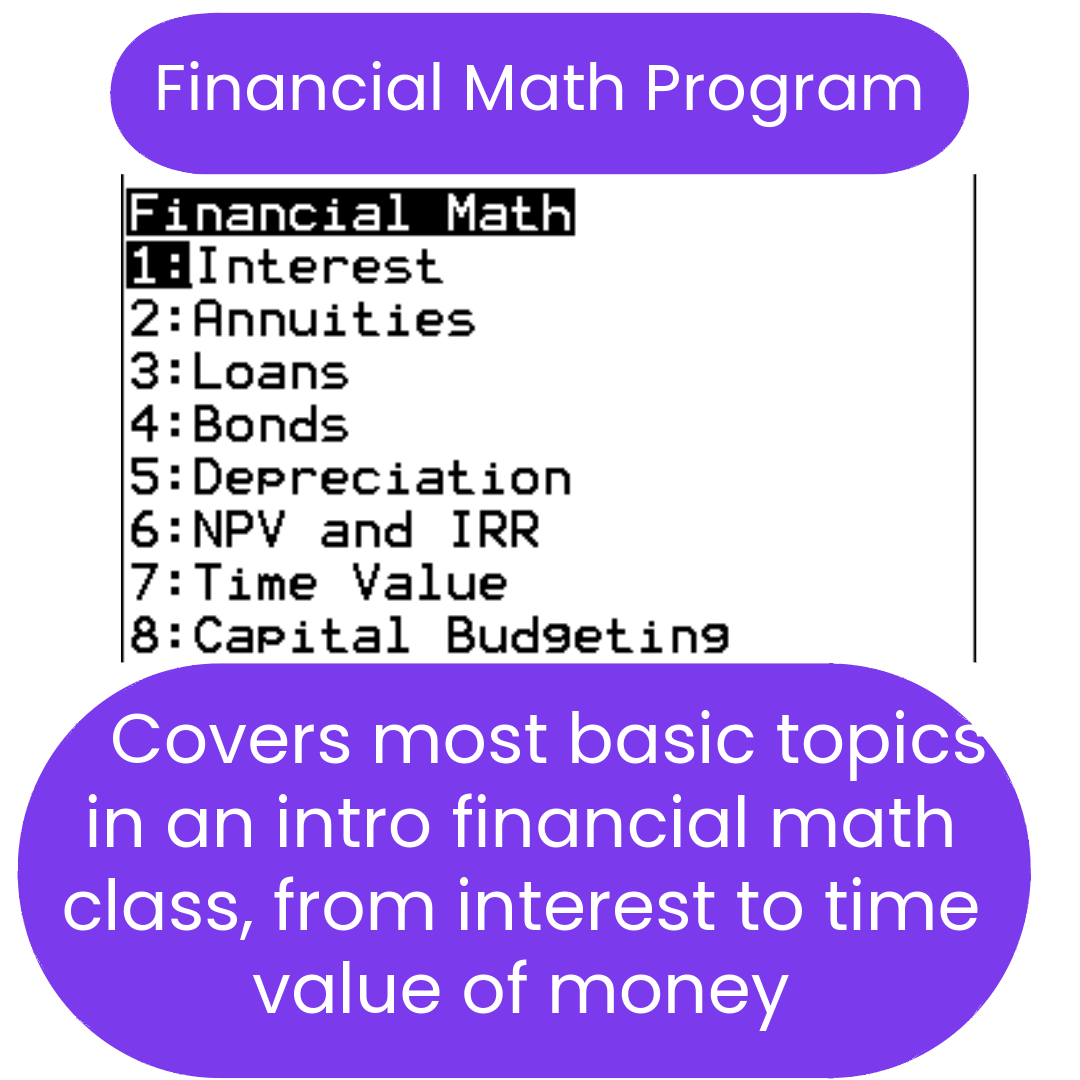
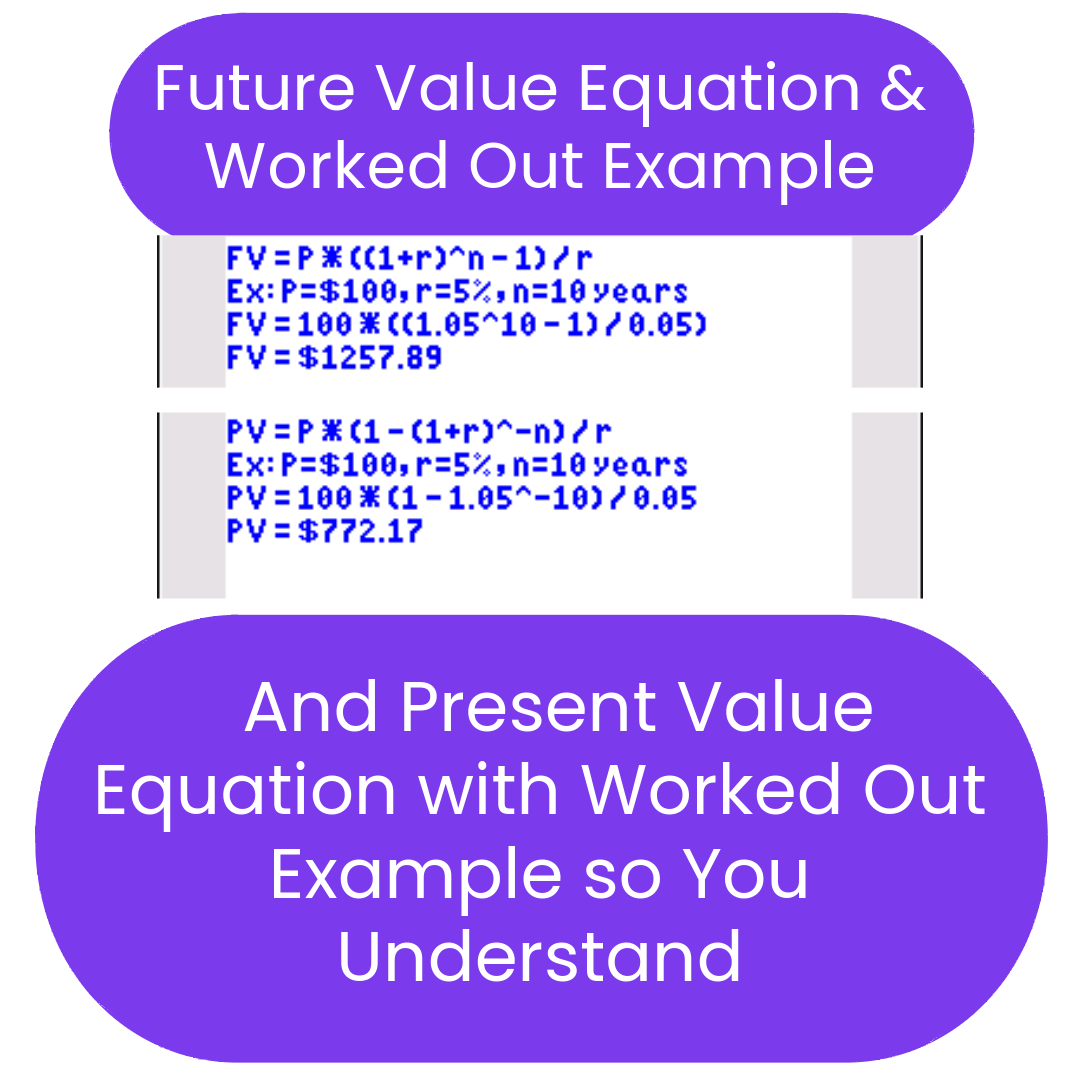
Stop searching for financial formulas mid-problem. FINMATH1 puts every key financial math formula directly on your TI-84 Plus CE — interest, annuities, loans, bonds, depreciation, time value of money, NPV/IRR, and capital budgeting. This is a reference-style program: it shows you the formulas and how to use them, so you can focus on solving the problem rather than tracking down equations.
What's Included
| File Name | Type | What It Does |
|---|---|---|
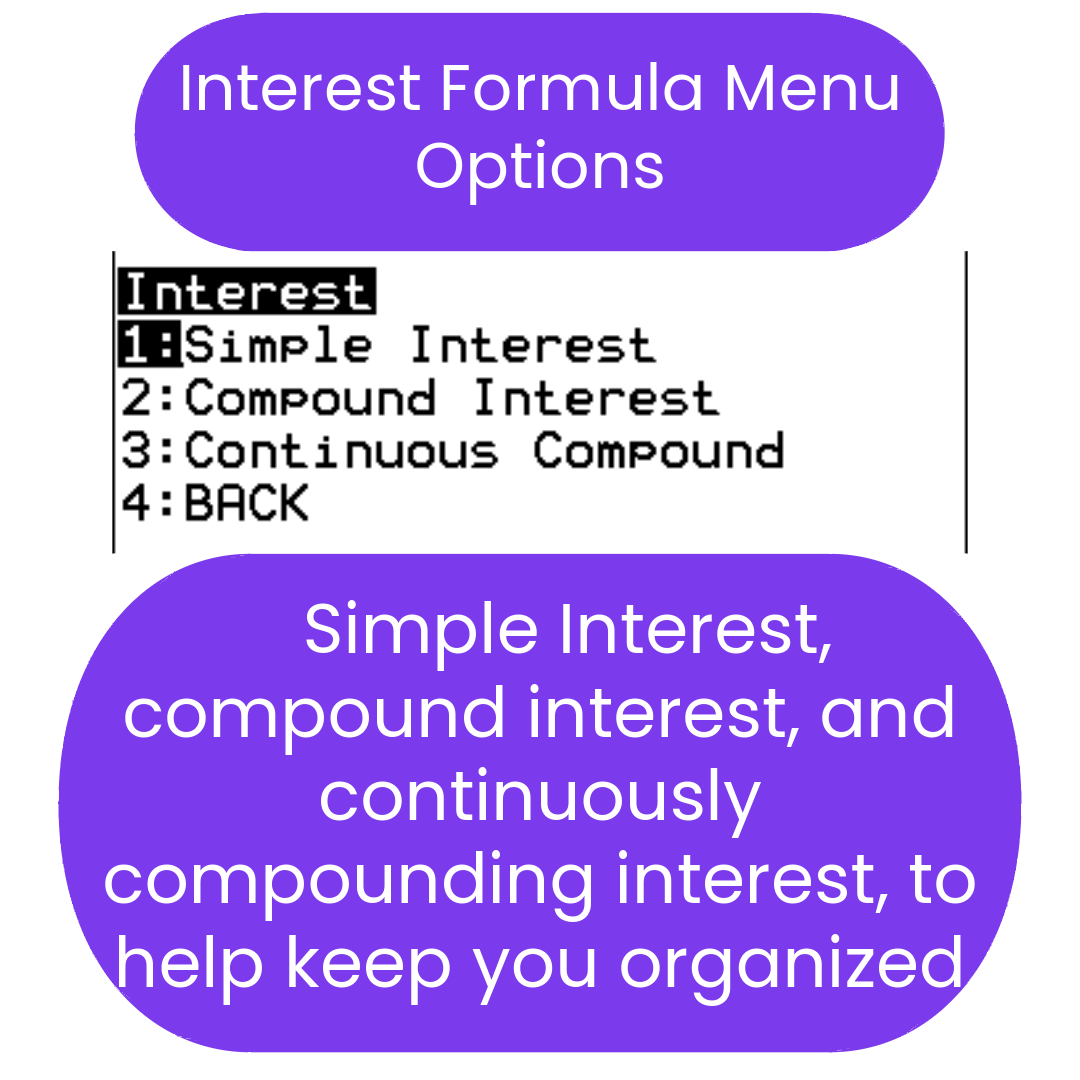
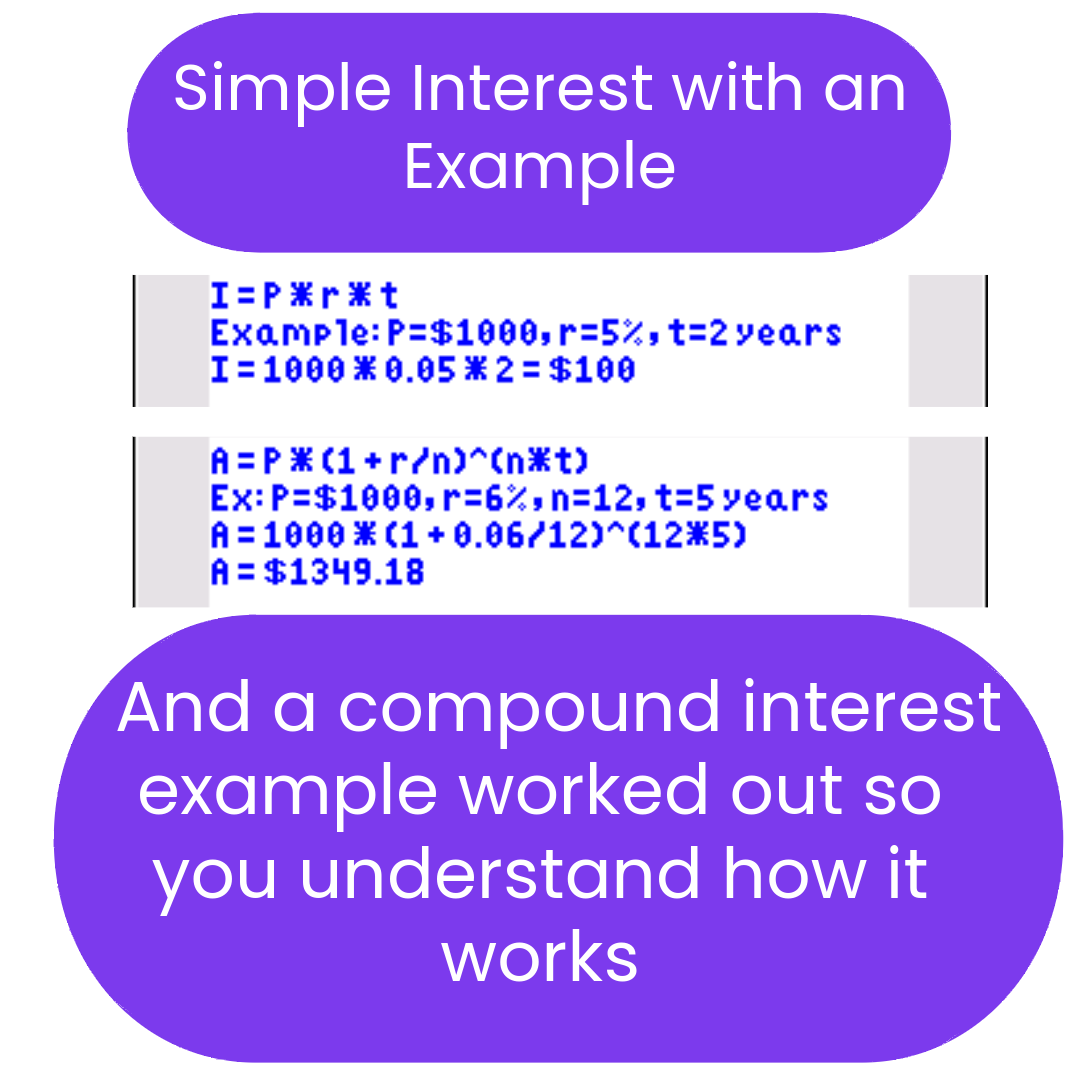
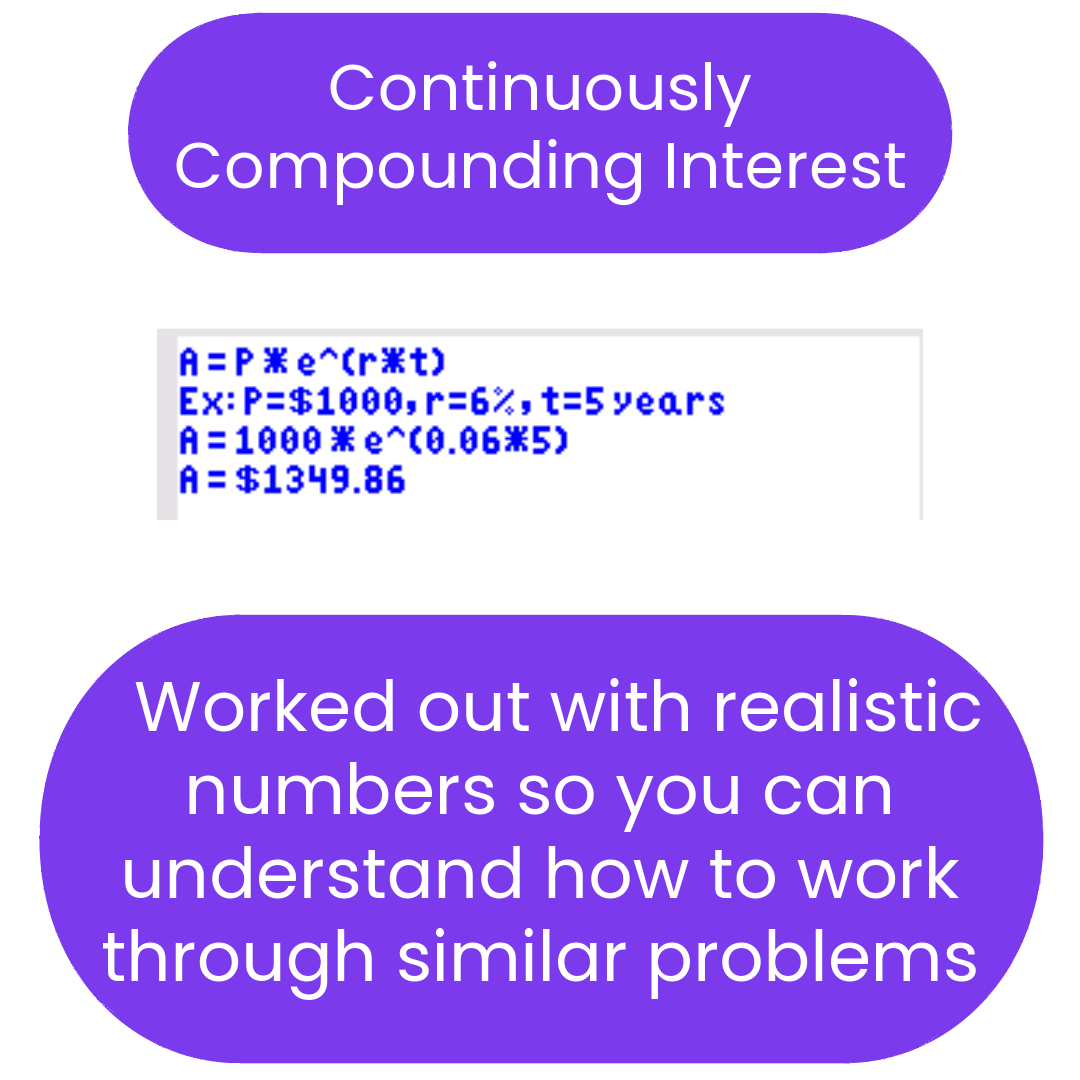
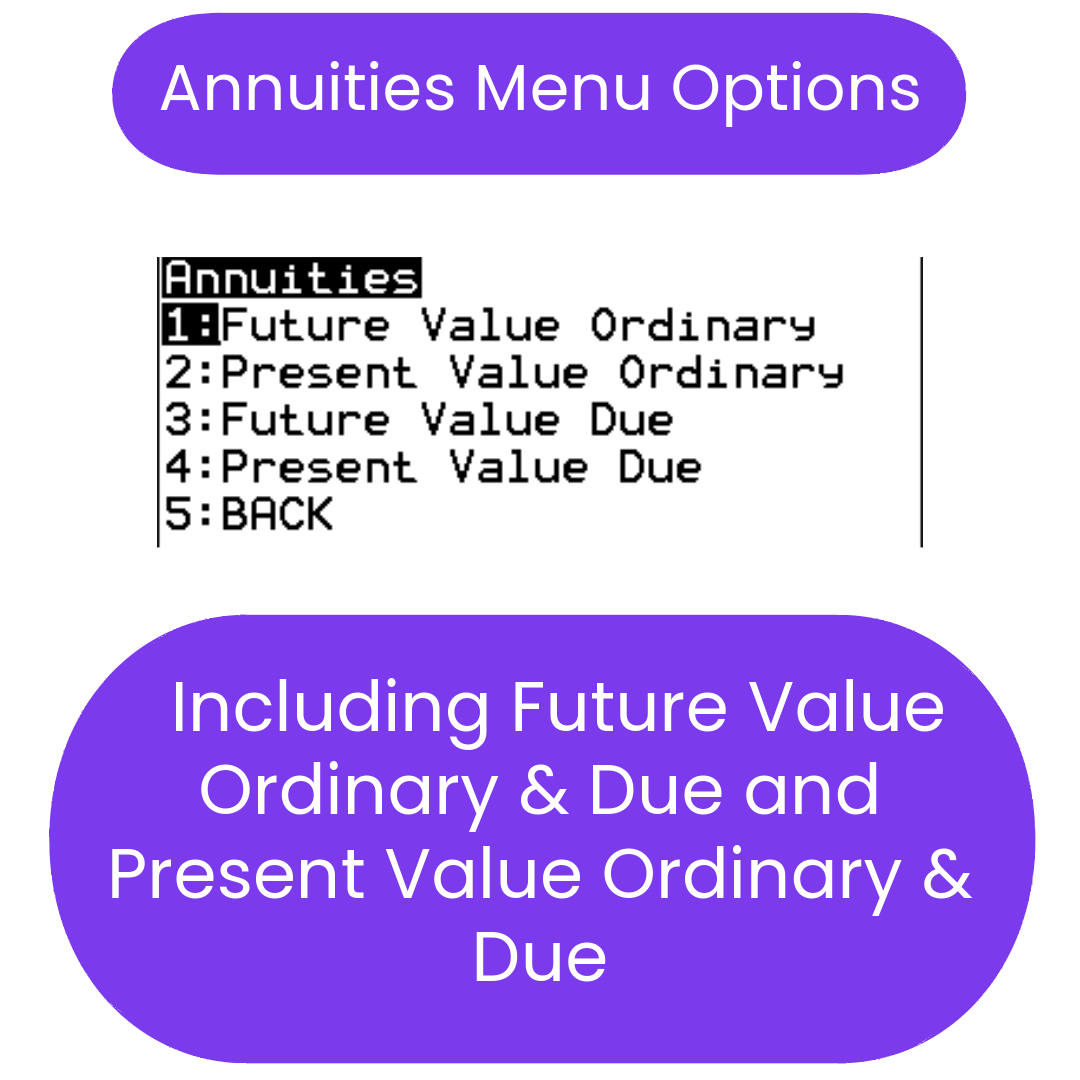
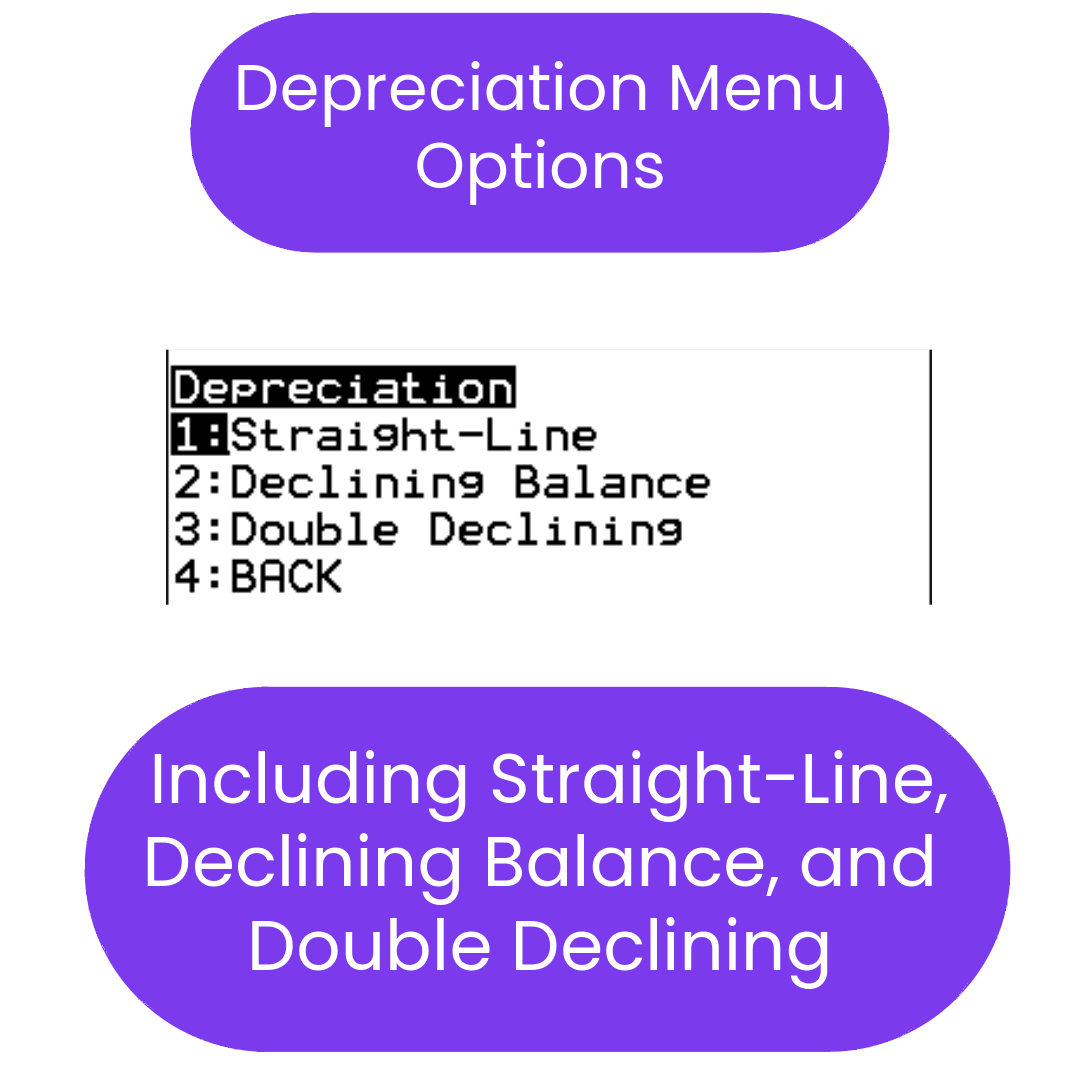
| FINMATH1 | Reference Program | Financial math formula reference covering simple, compound, and continuous interest; present and future value of annuities; loan and bond calculations; straight-line and declining-balance depreciation; net present value (NPV) and internal rate of return (IRR); time value of money (TVM); and capital budgeting (payback period, profitability index). |
Topics covered:
- ✅ Interest — simple, compound, and continuous
- ✅ Annuities — present value and future value
- ✅ Loans and bonds
- ✅ Depreciation — straight-line and declining-balance
- ✅ NPV & IRR — net present value and internal rate of return
- ✅ Time Value of Money (TVM)
- ✅ Capital budgeting — payback period and profitability index
Reference-style program: FINMATH1 displays formulas and shows you how to apply them. It does not calculate automatically — it teaches you to work through problems yourself. Best for students in financial math, business math, or any course covering TVM and interest calculations.
Compatible Calculators
✅ TI-84 Plus CE
✅ TI-84 Plus CE Python
✖ Not for TI-83, TI-Nspire, or Casio calculators.
Delivery
Instant digital download. You receive the .8xp file after purchase.
Need help getting started? Complete Install Guide (2026) | FAQs
AP® is a registered trademark of the College Board, which was not involved in the production of, and does not endorse, this product.
What do I need to install the program?
What do I need to install the program?
- TI84 Plus CE (or Python) Calculator
- TI Connect CE Software
- Update Your TI calculator software
- USB mini to USB cord (Should have came with your calculator, or you can buy one from Staples or Best Buy)
How do I install the program on my calculator?
How do I install the program on my calculator?
Can you help me with the TI connect software?
Can you help me with the TI connect software?
Yes! Take a look at this guide for the TI Connect CE Software for more help.