AP & General Chemistry: Semester 2 (TI-84 Plus CE)
AP & General Chemistry: Semester 2 (TI-84 Plus CE)
⚠️ Before You Buy:
• Digital product — No refunds
• Requires TI-84 Plus CE or TI-84 Plus CE Python
• NOT compatible with older TI-84 Plus (black & white screen)
• By purchasing, you confirm you understand this is a digital download and cannot be returned
Couldn't load pickup availability
AP & General Chemistry Solver — Semester 2 (TI-84 Plus CE)
🔋 Kinetics, equilibrium, electrochemistry, and nuclear chemistry — solved on your calculator
Take the stress out of second-semester chemistry. This Semester 2 Chemistry bundle for TI-84 Plus CE helps you handle the most challenging topics in AP Chemistry and general chemistry with more speed and confidence. From kinetics and equilibrium to electrochemistry and nuclear chemistry, these programs handle equation setup and rearrangement so you can focus on understanding the chemistry itself.
This bundle also includes support tools for gas laws, thermodynamics, the Haber process, periodic table reference, and unit conversions. The included UNITCONJ Unit Converter helps with pressure, volume, temperature, SI prefixes, mass, length, rates, and other unit-conversion work commonly needed in chemistry.
🚀 INSTANT DOWNLOAD: Digital .8xp files for TI-84 Plus CE, TI-84 Plus CE Python, and TI-84 Plus CE-T Python Edition.
Before you buy: These are digital TI-84 Plus CE calculator programs. They are designed for the TI-84 Plus CE, TI-84 Plus CE Python, and TI-84 Plus CE-T Python Edition. They are not intended for TI-Nspire, Casio calculators, or older black-and-white TI-83/TI-84 models. Please confirm compatibility before purchasing.
📘 Included UNITCONJ Unit Converter Guide
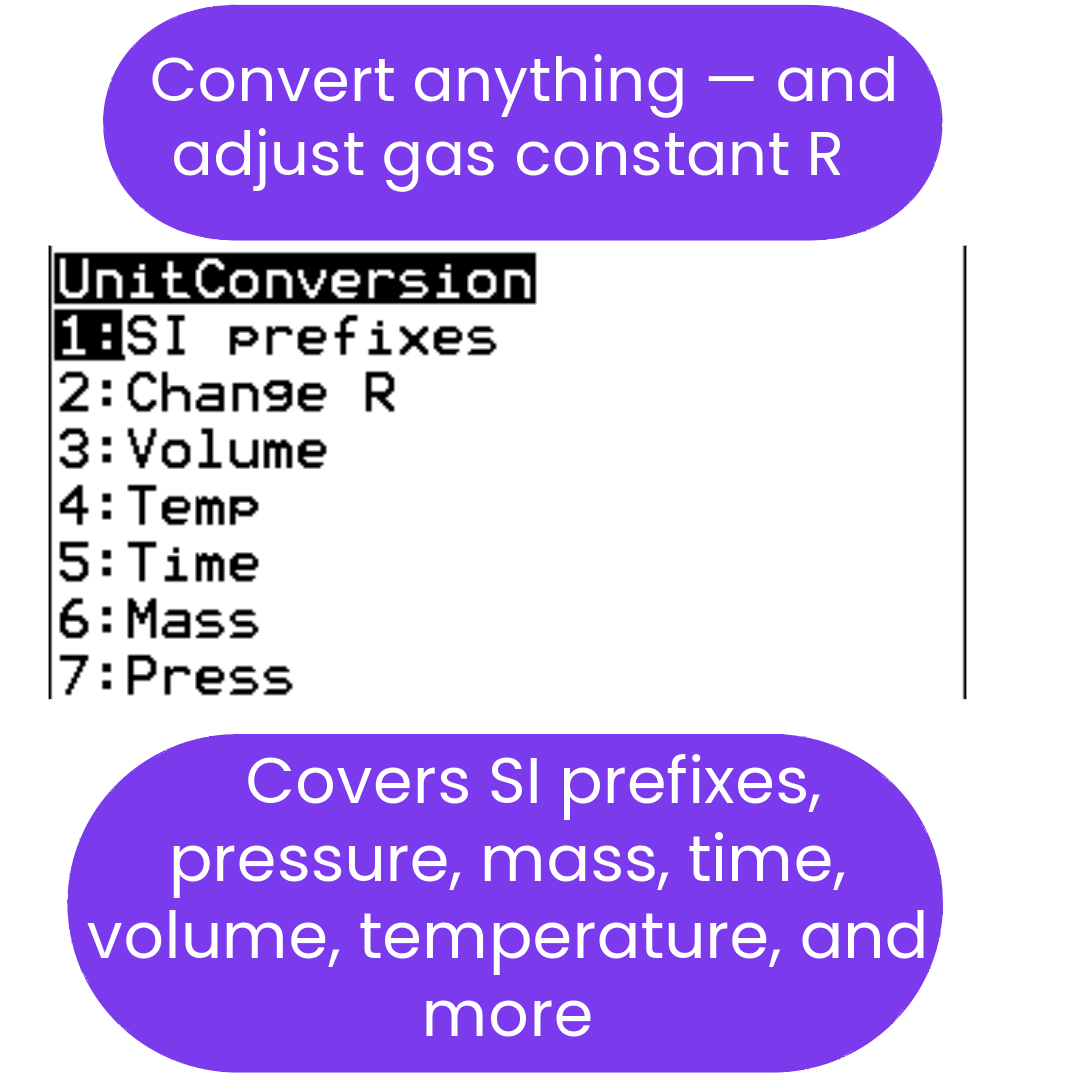
This bundle includes UNITCONJ, a general-purpose unit converter for length, mass, area, volume, speed, temperature, pressure, SI prefixes, rates, angle conversions, distance-rate-time, and decimal-to-fraction conversion. A free PDF guide is available with screenshots, menu paths, solved examples, and quick-reference tables.
View the UNITCONJ PDF Guide →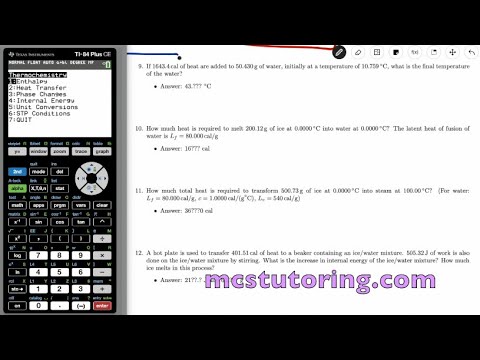
What's Included (Files & Functions)
| File Name | Type | What It Does |
|---|---|---|
| KEM2V1 | Core Solver Program | Kinetics (rate laws, Arrhenius equation, half-life for 0th/1st/2nd order), equilibrium (Kc, Kp, Le Chatelier's, ICE tables), electrochemistry (Nernst equation, Faraday's Laws), and nuclear chemistry (radioactive decay, activity, mass-energy equivalence). Features a Global R-Selector for consistent calculations. |
| GASLAWS7 | Included Solver | Full solver for all six gas laws — Ideal, Boyle's, Charles's, Gay-Lussac's, Avogadro's, and Combined — for any variable. Also solves mixed gas total pressure (Dalton's Law, 2–4 gases) and RMS velocity. Includes all four R values and STP molar volumes for reference. |
| HABERX2 | Included Program | Haber-Bosch process solver and thermochemistry reference. Covers reaction stoichiometry, equilibrium conditions, and thermodynamic analysis of the industrial synthesis of ammonia. |
| THERMO5 | Included Solver | Heat transfer (Q = mcΔT, any variable), phase changes (melting, vaporization, full ice→steam), internal energy, enthalpy, Gibbs Free Energy (G = H − TS, spontaneity check, K from ΔG), and Hess's Law (simple and multi-compound). |
| PERIOD4 | Reference Program | All 118 elements — browse by period or search by atomic number. Each element shows name, molar mass, IUPAC group, chemical family, electron configuration, common oxidation states, and classification. D and f-block elements include dual-mode electron configurations (Aufbau and n-value order), with all irregular exceptions handled correctly. |
| UNITCONJ | Utility Program | General-purpose unit converter covering length, mass, area, volume, speed, temperature, pressure, time, angles, SI prefixes, flow rate, rate conversions, decimal-to-fraction conversion, and distance-rate-time support. View the free UNITCONJ PDF guide → |
✅ Second Semester Topics Covered
- ⚛️ Kinetics: rate laws, Arrhenius equation, and half-life for 0th, 1st, and 2nd order reactions.
- ⚖️ Equilibrium: Kc, Kp, reaction quotient, Le Chatelier's principle, and ICE table support.
- 🔋 Electrochemistry: Nernst equation, Faraday's Laws, and cell-potential calculations.
- ☢️ Nuclear Chemistry: radioactive decay, activity, half-lives, and mass-energy equivalence.
- 🏭 Haber Process: industrial ammonia synthesis — stoichiometry, equilibrium, and thermodynamics.
- 🧰 Support Tools: full gas laws solver, thermodynamics solver, periodic table reference, and UNITCONJ unit conversions.
Best for: second-semester chemistry students who want faster problem setup and more confidence working through kinetics, equilibrium, electrochemistry, and nuclear chemistry.
💰 Save Money: Get the Complete Bundle
Preparing for the full AP Chemistry exam? Most students save money by getting the Complete Chemistry Bundle, which includes both Semester 1 and Semester 2 programs plus the full set of support tools.
Get the Complete Bundle & Save →Compatible Calculators
✅ TI-84 Plus CE
✅ TI-84 Plus CE Python
✅ TI-84 Plus CE-T Python Edition
✖ Not for TI-83, TI-Nspire, or Casio calculators.
Exam Use
Programmable calculators and calculator programs are permitted on the AP Chemistry exam. See Full Policy →
Delivery: Instant digital download. You receive the included .8xp calculator program files and available PDF user guides after purchase.
Need help?
Disclaimer: This calculator program bundle is a study aid to support review and practice. It does not guarantee a specific AP score or grade.
AP® is a registered trademark of the College Board, which was not involved in the production of, and does not endorse, this product.
What do I need to install the program?
What do I need to install the program?
- TI84 Plus CE (or Python) Calculator
- TI Connect CE Software
- Update Your TI calculator software
- USB mini to USB cord (Should have came with your calculator, or you can buy one from Staples or Best Buy)
How do I install the program on my calculator?
How do I install the program on my calculator?
Can you help me with the TI connect software?
Can you help me with the TI connect software?
Yes! Take a look at this guide for the TI Connect CE Software for more help.