Skip to product information
1 of 11

FREE TI-84 Plus CE Math Bundle: Quadratics & More

FREE TI-84 Plus CE Math Bundle: Quadratics & More

Regular price $10.00 USD
Regular price $20.00 USD Sale price $10.00 USD
Sale Sold out
Shipping calculated at checkout.

⚠️ Before You Buy:
• Digital product — No refunds
• Requires TI-84 Plus CE or TI-84 Plus CE Python
NOT compatible with older TI-84 Plus (black & white screen)
• By purchasing, you confirm you understand this is a digital download and cannot be returned

Quantity
🎁 Your Free Bundle Code
TFVNS30333BF
Paste this code at checkout to make the bundle $0. No credit card required.

✅ Works on TI-84 Plus CE & TI-84 Plus CE Python only. Not compatible with older TI-84 models.

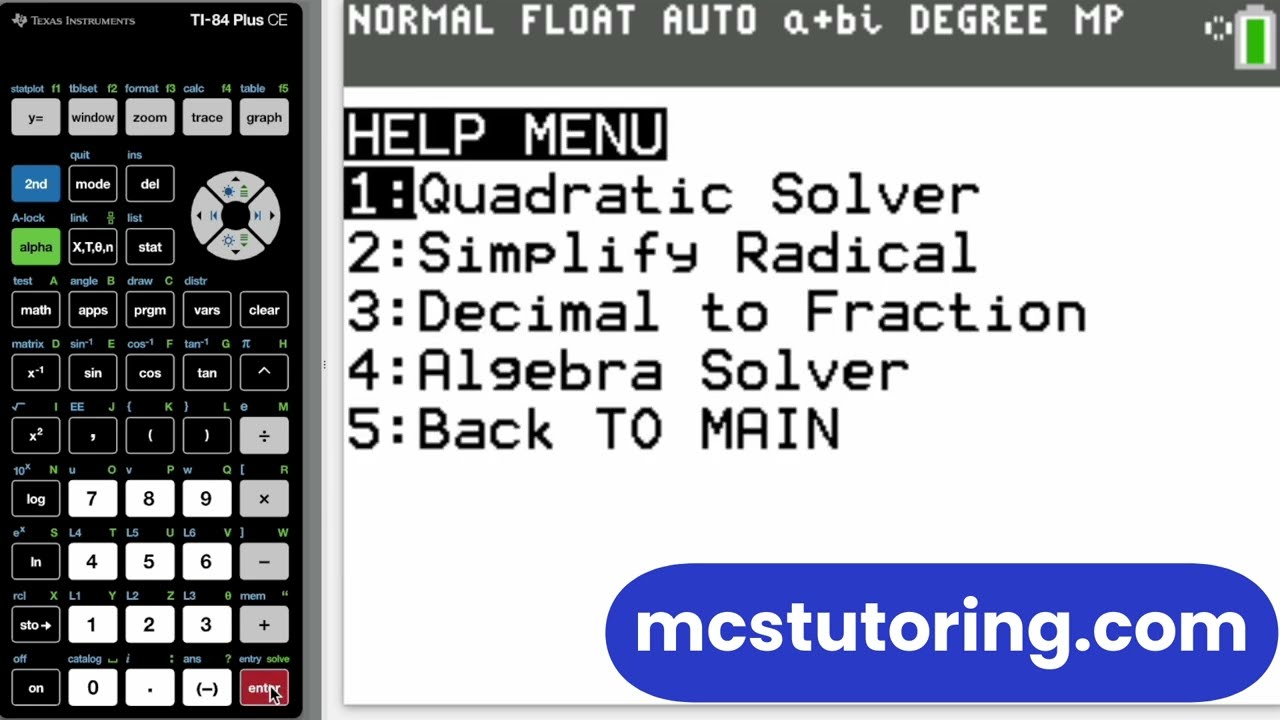
  • Four programs free: Quadratics, Algebra Solver, Radical Simplifier, Decimal→Fraction
  • Perfect for Algebra, SAT/ACT warm-ups, and homework speed
  • Easy install with TI Connect CE; under 2 minutes
TI-84 Free Math Bundle Demo

▶️ Click to watch: Free Bundle Demo


What's inside

QUAD (Quadratic Solver): Solves ax²+bx+c=0 with real/imaginary answers, also shows discriminant form.

ASOLVE (Algebra Solver): Solves linear equations (X on both sides) fast and clean.

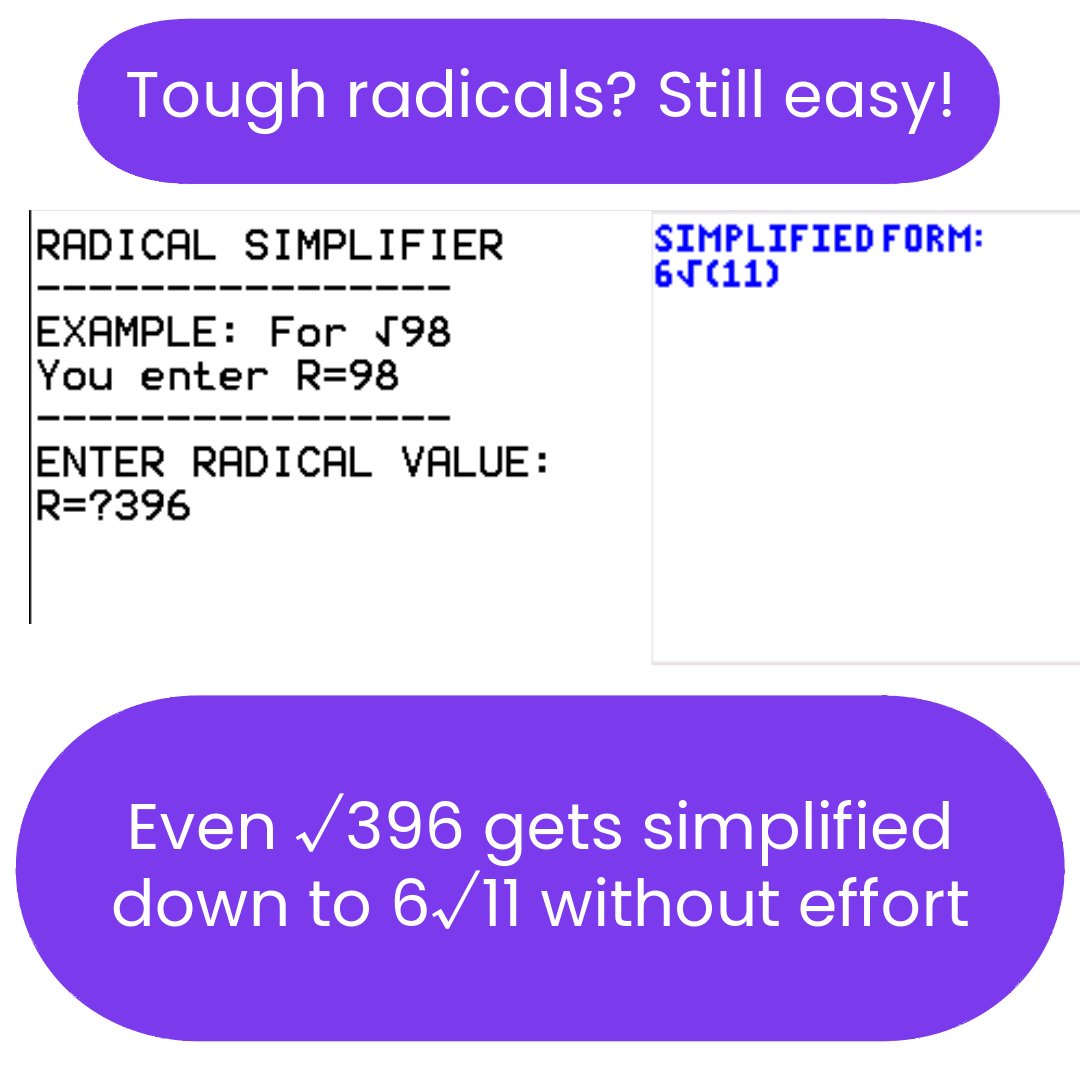
DERAD (Radical Simplifier): Simplifies square roots (e.g., √98 → 7√2).

DECFRAC (Decimal → Fraction): Converts terminating & repeating decimals.

How to get it (quick)

  1. Copy the code above: TFVNS30333BF.
  2. Add this bundle to your cart and paste the code at checkout to bring the price to $0.
  3. Open TI Connect CE.
  4. Send the .8xp files to your calculator and run them from the PRGM menu.

First-time setup (you may need this link)

Troubleshooting

Programs not appearing? Update your OS (link above), then resend with TI Connect CE. Still stuck? See our TI-84 troubleshooting guide.

Note: This is a digital download for the TI-84 Plus CE / CE Python. It does not guarantee a particular score or grade; it's a study aid to help you work faster and more accurately.

What do I need to install the program?

  1. TI84 Plus CE (or Python) Calculator
  2. TI Connect CE Software (Download Here)
  3. Update Your TI calculator software (Click Here)
  4. USB mini to USB cord (Should have came with your calculator, or you can buy one from Staples or Best Buy)

How do I install the program on my calculator?

Can you help me with the TI connect software?

Yes! Take a look at this guide for more help.

View full details